US–Mexico border wait times: how to check CBP lane reports
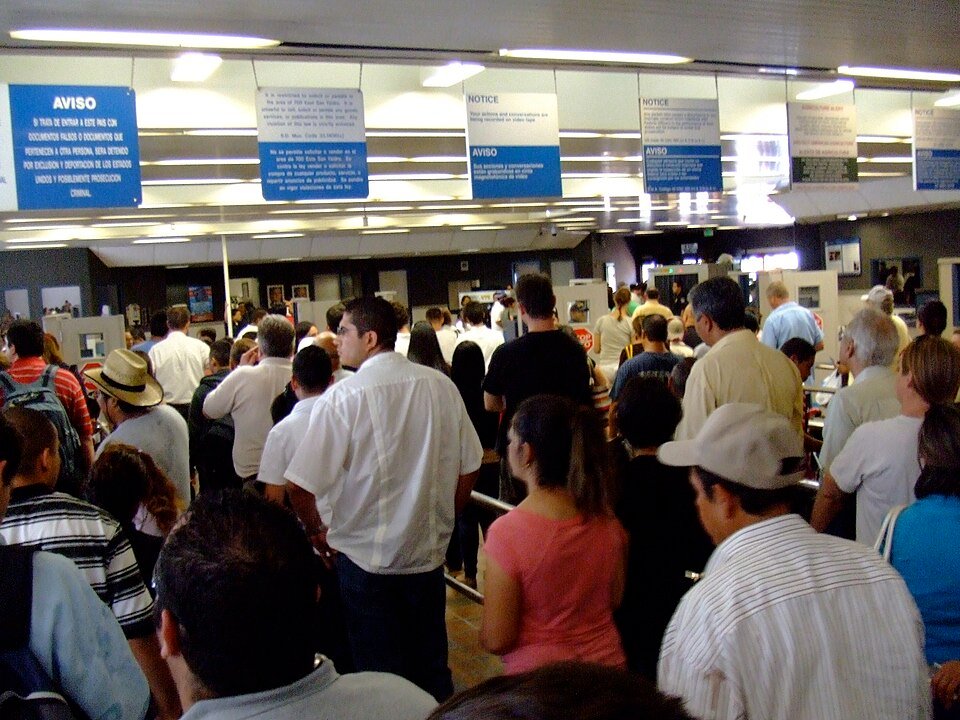

For US-bound land crossings from Mexico, start with CBP’s Border Wait Times website. Select the crossing, travel mode and lane type that match your trip, then read the report’s timestamp. A number without those details is not a useful estimate for your queue.
How to find the report you need
- Choose the Mexican border section. The CBP site also lists Canadian crossings.
- Match the port and crossing name. Keep the exact label in your planning notes rather than shortening every nearby crossing to a city name.
- Select your travel mode. Commercial vehicles, passenger vehicles and pedestrians have separate reporting fields. A pedestrian figure does not describe the vehicle queue.
- Read the lane column. General, Ready and trusted-traveler lanes are different categories. Use only a lane for which you qualify.
- Check time and status. Read the update time, lane status and reported delay together. “Update pending” is missing information, not a zero-minute wait.
Ready Lane is not the same as SENTRI
CBP’s Ready Lane guidance concerns eligible RFID-enabled travel cards. Its FAQ says everyone aged 16 or older in a vehicle or pedestrian group must carry a Ready Lane-eligible card for that group to qualify. CBP separately lists SENTRI in its wait reporting. A shorter number in that column does not establish your eligibility to use it.
CBP’s document guidance distinguishes a US passport card from a standard passport book and says REAL ID cards do not qualify for Ready Lane use. Read the official document list for your situation; do not infer lane eligibility simply from possessing identification.
Processing goals are not a promised wait
The CBP site displays processing goals as well as reports. Treat a goal as a target, not a reservation or guaranteed crossing time. The time you actually experience may differ from a posted observation.
A useful border-check note
Save this short template: exact crossing; northbound direction; vehicle or pedestrian; eligible lane; report time; reported status. Recheck the official page when your plans change. If you send an estimate to another traveler, include those details so they can tell whether it applies to them.
This page explains how to use the official reports. It does not display a live queue, predict the best departure time or provide southbound Mexican inspection estimates.
Sources and updates
Source guidance checked September 21, 2026. Follow the linked official pages for later changes.